Google Search Console for beginners
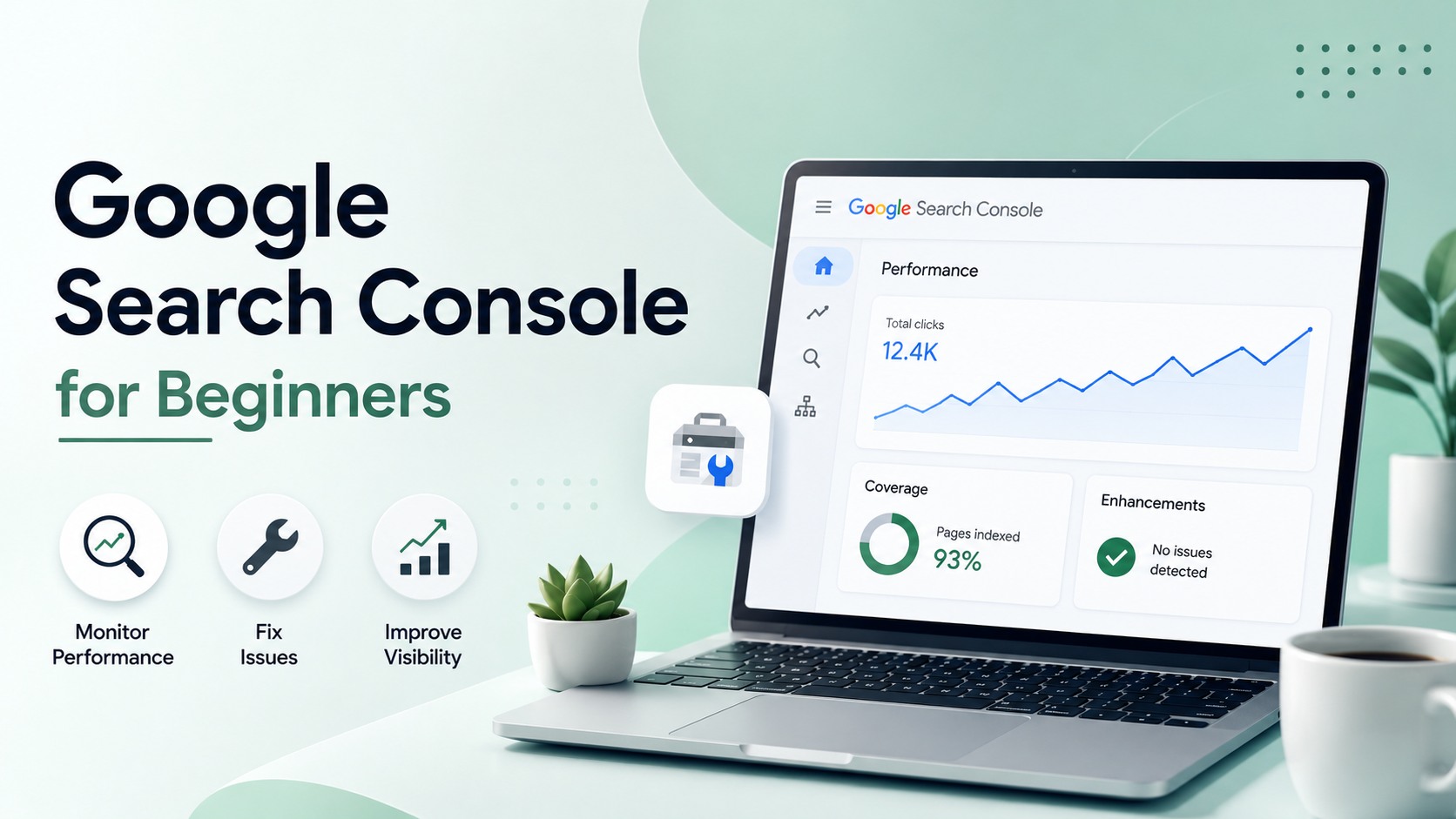
Most SEO advice asks you to guess what Google thinks of your site. Google Search Console just tells you, for free, straight from the source. If you run a website and have not set it up, you are working blind.
Google Search Console is a free tool from Google that reports how your site performs in search: the queries that bring clicks, the pages that get indexed, and the technical problems holding them back. You verify that you own the site once, then use it to find issues, fix them, and watch real traffic instead of guessing.
Setting up Google Search Console
Setup takes about ten minutes. Add your site as a property, then verify ownership through your DNS records, an HTML file, your Google Analytics account, or Google Tag Manager. Choose the domain property type if you can, because it covers every subdomain and both http and https in one place. Once verified, data starts filling in over the next few days, so do not worry if the reports look empty at first.
Reading the Performance report
The Performance report is where you will spend most of your time. It shows four numbers for every query and page: impressions, clicks, click-through rate, and average position. Impressions tell you how often you appeared, clicks how often people chose you, and position where you ranked on average. Sort by impressions with low click-through and you find pages that show up but fail to earn the click, usually a weak title or meta description you can rewrite this afternoon. This is also the fastest free source of keyword research ideas, because it lists the exact terms you already rank for.
The indexing report
The Pages report splits your URLs into indexed and not indexed, with a reason for every exclusion. This is the first place to look when traffic stalls. You might find pages blocked by robots, marked noindex by accident, or treated as duplicates. Each reason links to the affected URLs so you can act. When a lot of pages sit in the not-indexed bucket, work through our guide on how to fix pages not indexed by Google before you write anything new.
The URL Inspection tool
URL Inspection checks a single page live. Paste any URL from your site and it tells you whether the page is indexed, when Google last crawled it, which version it saw, and whether it is eligible for rich results. After you publish or update a page, use the Request Indexing button to nudge Google to recrawl. It does not guarantee fast indexing, but it usually beats waiting.
Submitting a sitemap
A sitemap lists the URLs you want Google to know about, and Search Console has a report just for it. Submit your sitemap.xml once, then check back to confirm Google can read it and see how many of its URLs made it into the index. A big gap between submitted and indexed is a signal worth chasing down, often a sign of thin or duplicate pages.
Search Console is not Google Analytics
Beginners mix these two up constantly. Search Console covers what happens before the click, on the search results page: rankings, impressions, and the queries people typed. Google Analytics covers what happens after the click, once someone lands on your site: pages viewed, time on site, and conversions. You want both, and they answer different questions. Search Console is the one that tells you how Google sees you.
Other reports worth knowing
Two more sections earn regular visits. The Core Web Vitals report grades your pages on loading and stability using real visitor data. The Enhancements area validates any structured data you have added, which is worth watching if you are working on rich results. The Links report, meanwhile, shows your most-linked pages and the sites pointing at you, which is a handy starting point when you plan link building.
A simple weekly routine
You do not need to live in Search Console. Once a week, open the Performance report and compare the last 28 days to the previous period, note any pages that dropped, and check the indexing report for new errors. Once a month, review your top queries for pages that sit on page two, since those are the easiest wins. Feed what you learn into a proper SEO audit a couple of times a year.
Turning the data into results
Search Console tells you what is happening, not always why, and it will not fix anything for you. That gap is where the work lives. If you would rather have the priorities handed to you, our free audit reads your Search Console signals and returns a ranked fix list, and the free SEO tools cover the checks it leaves out. Connect the account today; the sooner it collects data, the sooner you can measure your SEO ROI against real numbers.
Frequently asked questions
Is Google Search Console free?
Yes, completely free with no paid tier. You need a Google account and the ability to verify that you own the site, through your DNS records, an HTML file, Google Analytics, or Tag Manager. Every report, including Performance, indexing, and Core Web Vitals, is available at no cost to any verified owner.
What is the difference between Search Console and Google Analytics?
Search Console covers what happens before the click, on the search results page: rankings, impressions, and the queries people typed. Google Analytics covers what happens after the click, once someone is on your site: pages viewed, sessions, and conversions. They answer different questions, and most sites need both connected to see the full picture.
How long does it take for data to appear?
After you verify a property, Search Console starts collecting data going forward, and reports usually populate within a few days. It does not backfill history from before verification, so the sooner you set it up, the more history you build. Give it about a week before you judge the numbers.
How often should I check Search Console?
A weekly look is plenty for most sites. Review the Performance report against the previous period, note pages that dropped, and scan the indexing report for new errors. Once a month, hunt for page-two keywords worth a push, and run a deeper audit a couple of times a year to catch bigger issues.
Can Search Console improve my rankings directly?
No. Search Console reports problems and opportunities, but it does not change anything on your site. It tells you which pages Google struggles to index, which queries you rank for, and where click-through is weak. The improvement comes from the work you do in response to what it shows you, not the tool itself.
Want this done for your site?
Run a free audit and see exactly what to fix for Google and AI search.