How to fix pages not indexed by Google
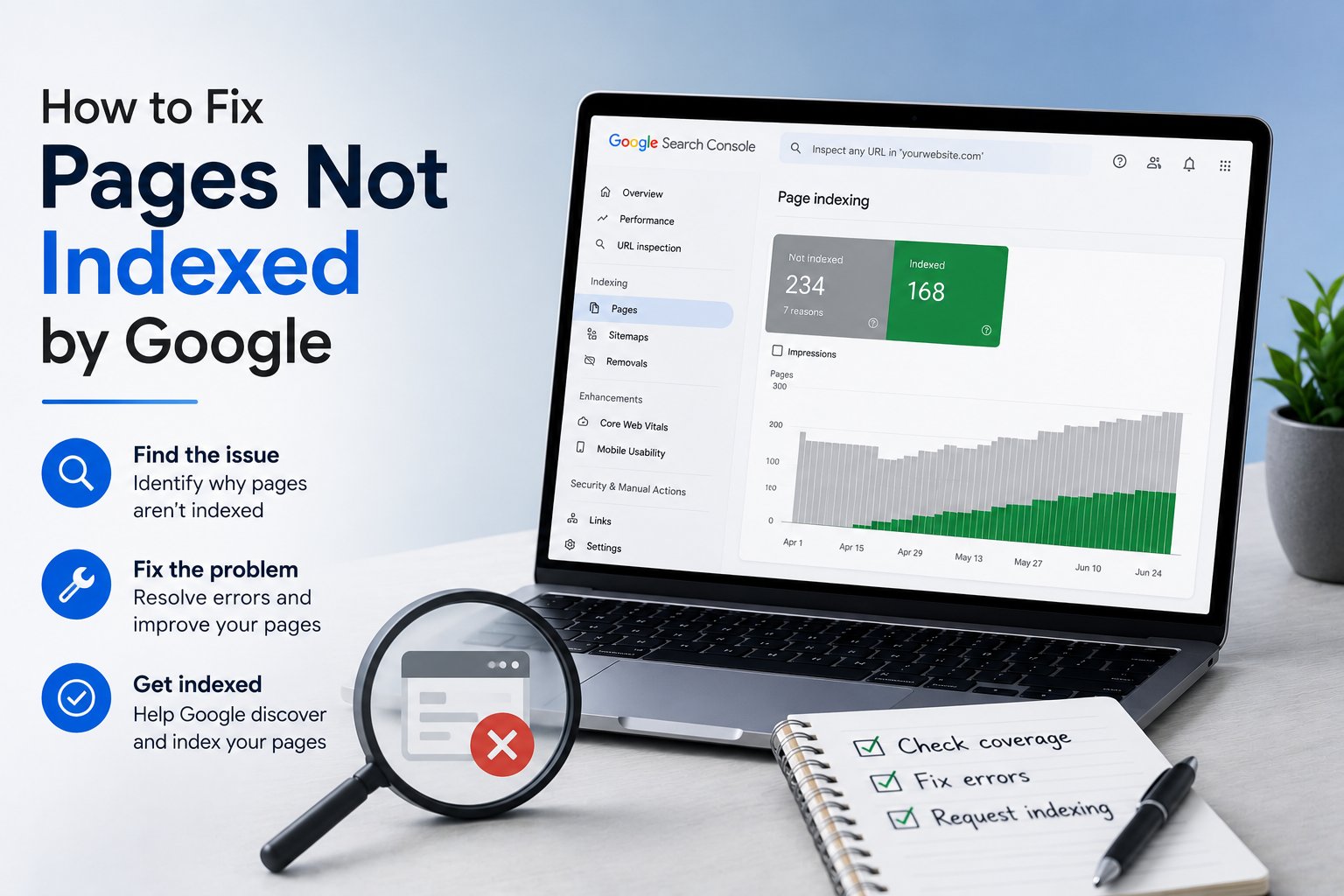
You publish a page, wait a week, search for it, and find nothing. Not ranked low, not on page five, just absent. Before you blame the algorithm, understand that Google made a choice: it looked at your page and decided not to index it.
A page is not indexed when Google has found it but chosen not to store it for search results. The usual causes are a noindex tag, a robots.txt block, duplicate content, thin quality, or a crawl problem. The fix is always the same shape: find the reason in Search Console, remove it, then ask Google to recrawl.
Start by asking Google why
Do not guess. Open Google Search Console, paste the URL into the Inspection tool, and read the verdict. It tells you whether the page is indexed and, if not, gives a reason such as 'Excluded by noindex tag', 'Blocked by robots.txt', 'Duplicate without user-selected canonical', or 'Crawled - currently not indexed'. Every fix below maps to one of those messages, so this thirty-second check saves you hours.
Remove accidental noindex tags
A noindex tag tells Google to stay out, and it is the most common reason a page vanishes. Check the page source for a robots meta tag set to noindex, and check the HTTP headers for an X-Robots-Tag doing the same thing. These often get left behind after a site launch, when a staging site ships to production with its blocking rules still in place. Remove the tag, and the page becomes eligible again.
Check robots.txt
Your robots.txt file can block Google from crawling a URL in the first place. Open yoursite.com/robots.txt and look for any Disallow rule that matches the path. A blocked page can still get indexed without its content in rare cases, but usually it just stays out. Be careful here, because one broad Disallow line can hide a whole section of your site. This is a standard stop on any technical SEO checklist.
Sort out duplicates and canonicals
Google indexes one version of a page and drops the rest. If it sees your content as a duplicate, it picks a canonical and excludes the others, and sometimes it picks the wrong one. Make sure each page has a self-referencing canonical tag unless you genuinely want it to point elsewhere, and watch for the same article reachable through several URLs with tracking parameters. Understanding how Google search works makes this behaviour far less mysterious.
Fix thin or low-value pages
The 'Crawled - currently not indexed' status often means Google looked and decided the page was not worth storing. This is a quality judgment. Thin pages, near-empty category listings, and auto-generated content are common victims. The fix is not a trick; it is making the page genuinely useful. Add real substance, merge it with a stronger related page, or noindex it on purpose if it exists only for users. Adding structured data can help Google understand borderline pages, though it will not rescue truly empty ones.
Help Google discover the page
Google has to find a page before it can index it. Orphan pages with no internal links pointing to them can sit undiscovered for a long time. Link to important pages from your navigation, related posts, or a hub page, and make sure they appear in your XML sitemap. New sites feel this most, because Google has little history to tell it how often to come back. Internal links also pass authority, so a page buried five clicks deep looks less important than one linked from your homepage.
Rule out manual actions
Rarely, pages drop out because of a manual action. Check the Manual Actions and Security Issues reports in Search Console. If either shows a problem, no amount of technical fixing will help until you resolve it and submit a reconsideration request. This is uncommon for most sites, but it takes ten seconds to rule out, so do it before you spend a day chasing canonicals.
Request indexing, then be patient
Once you have fixed the cause, use Request Indexing in the URL Inspection tool to put the page back in the queue. For a batch of pages, resubmit your sitemap. Then wait. Indexing can take anywhere from hours to a couple of weeks depending on your site's authority and how often Google crawls you. Refreshing the search results every hour will not speed it up.
When lots of pages are affected
A handful of unindexed pages is normal housekeeping; hundreds is a pattern. If a large share of your site is excluded, the problem is usually systemic: a template-wide noindex, a canonical set sitewide to the homepage, or thin programmatic pages at scale. Run a full SEO audit to spot the shared cause. Our free audit flags indexing problems across every URL at once, and the AEO and GEO checklist covers the newer question of getting indexed and cited by AI answer engines, not only classic search.
Frequently asked questions
How long does Google take to index a new page?
Anywhere from a few hours to a couple of weeks, depending on your site's authority and how often Google crawls you. Established sites with frequent updates get indexed fast; new sites with little link authority wait longer. Requesting indexing in Search Console can speed things up, but it guarantees nothing on its own.
What does 'Crawled - currently not indexed' mean?
It means Google fetched your page but decided not to store it, usually a quality judgment. The page may be thin, too similar to others, or simply not useful enough yet. Improve the content substantially, strengthen internal links to it, then request indexing again. This status often resolves once the page clearly earns its place.
Does requesting indexing guarantee my page gets indexed?
No. Requesting indexing puts your page in the crawl queue sooner, but Google still decides whether to store it based on quality and relevance. If the underlying reason for exclusion, such as a noindex tag or thin content, is unresolved, the request will not help. Fix the cause first, then request the recrawl.
Can too many low-quality pages hurt my whole site?
Yes. A large volume of thin or duplicate pages can dilute how Google views your site's overall quality and waste crawl budget on URLs that never rank. Pruning or noindexing weak pages, and consolidating similar ones, often helps your stronger pages get crawled and indexed more reliably over time.
Why is my page indexed but not ranking?
Indexing and ranking are separate steps. Being indexed only means the page is eligible to appear; ranking depends on relevance, content quality, and authority relative to competitors. If a page is indexed but invisible, the issue is competitiveness rather than a technical block, so improve the content and earn links pointing to it.
Want this done for your site?
Run a free audit and see exactly what to fix for Google and AI search.